
Temp Mail – Disposable Temporary Email
Launch a secure temp mail inbox instantly to capture verification links and wipe spam before it touches your real mailbox.
Temp Mail vs Email Alias vs Secondary Inbox: Which One Should You Use?

TmpKit
6/15/2026
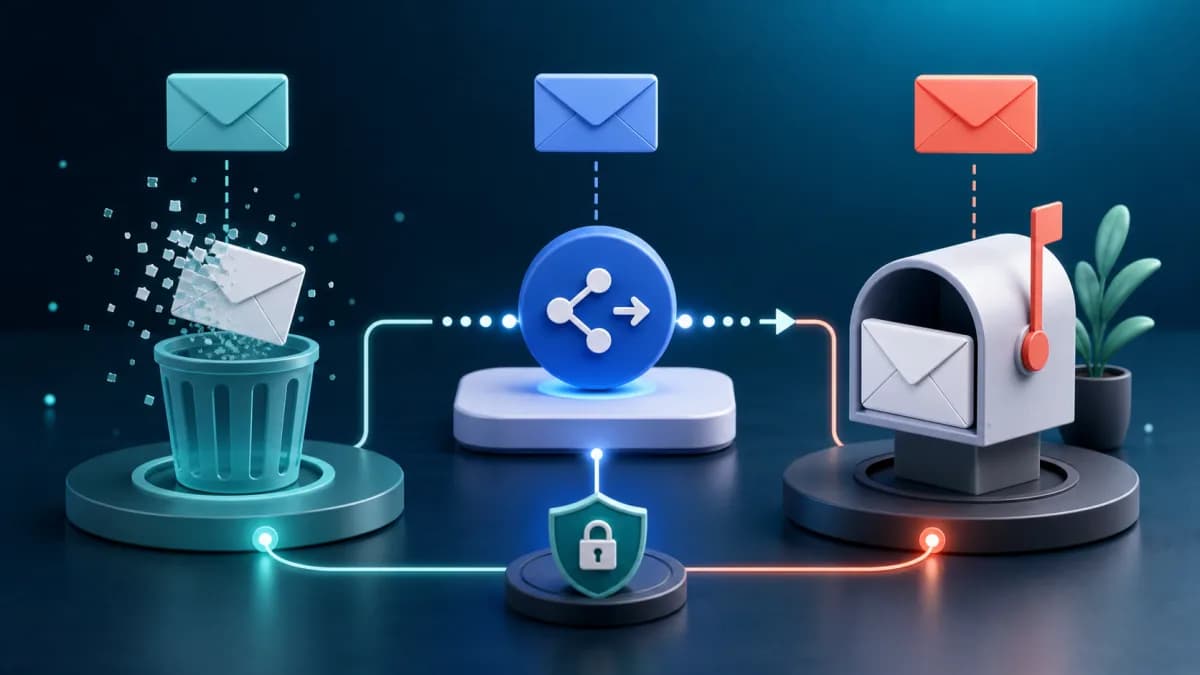
Temp Mail vs Email Alias vs Secondary Inbox: Which One Should You Use?
There are several ways to protect your real email address. You can use a temp mail inbox, create an email alias, or maintain a separate secondary mailbox. They may sound similar, but they solve different problems.
Choosing the right option matters. A tool that is perfect for a one-time download may be a bad fit for an account you need to recover later.
What is temp mail?
Temp mail gives you a disposable inbox for short-lived tasks. You do not create a long-term account. You copy the generated address, receive the message you need, and move on.
It is best when you want separation, not forwarding. The sender does not reach your primary inbox at all.
Best for:
- One-time verification codes
- Download gates
- Public Wi-Fi signups
- Testing unfamiliar websites
- Avoiding newsletter follow-ups
Not ideal for:
- Long-term accounts
- Paid purchases
- Password recovery
- Receipts you need to keep
What is an email alias?
An email alias hides your real address but forwards messages to your main inbox. Services such as masked email products and relay tools usually work this way.
Aliases are useful when you want long-term control without revealing the real address. If an alias starts receiving spam, you can disable that alias while keeping your primary inbox.
Best for:
- Shopping accounts
- Newsletters you may keep
- SaaS products you use over time
- Tracking which service leaked your address
Not ideal for:
- High-risk websites
- Messages you do not want in your main inbox
- Fully disposable workflows
What is a secondary inbox?
A secondary inbox is a normal email account that is separate from your personal or work address. It is not disposable, but it creates a buffer.
This is useful when you need persistence but do not want to mix everything into your primary inbox.
Best for:
- App testing
- Low-priority subscriptions
- Community accounts
- Long-term experiments
Not ideal for:
- Fast one-time tasks
- Preventing all future spam
- Avoiding manual cleanup
The practical choice
Use temp mail when the relationship is temporary.
Use an alias when the relationship may continue, but you do not want to reveal your real address.
Use a secondary inbox when you need a real long-term mailbox, but the account is not important enough for your primary email.
Comparison table
| Option | Lifetime | Reaches primary inbox? | Best use | | --- | --- | --- | --- | | Temp mail | Short | No | One-time verification | | Email alias | Medium to long | Yes | Controlled forwarding | | Secondary inbox | Long | No | Separate low-priority identity |
Where email security tools fit
If you run a website or product, users may be using all three options. Your job is not only to block spam. You also need to make sure legitimate messages arrive.
Check that your domain has working MX records, a correct SPF record, and a reasonable DMARC policy. These records help receiving servers decide whether your messages are trustworthy.
Final recommendation
Do not rely on one email strategy for every situation. Use temp mail for short tasks, aliases for ongoing relationships, and a secondary inbox for low-priority accounts that still need persistence.
The goal is not to hide from every website. The goal is to keep your primary inbox clean and your account recovery paths reliable.